

Blog
Welcome


Recent posts
SEARCH RESULTS FOR: Layouts
Hey! It’s Charlotte from the customer service team 😊 One of the most common questions I get is “how do I create custom embossings?” so I’ve put together a super simple Canva tutorial to help you out! Why Canva? Canva is an easy-to-use online design tool that makes design accessible to everyone —no need for complex software like Illustrator! With a library full of modern fonts and illustrations, your ability to create beautiful, custom embossing designs for your clients is endless. 1) Gather Inspiration Start by heading to Pinterest to collect inspiration for your To View More >>

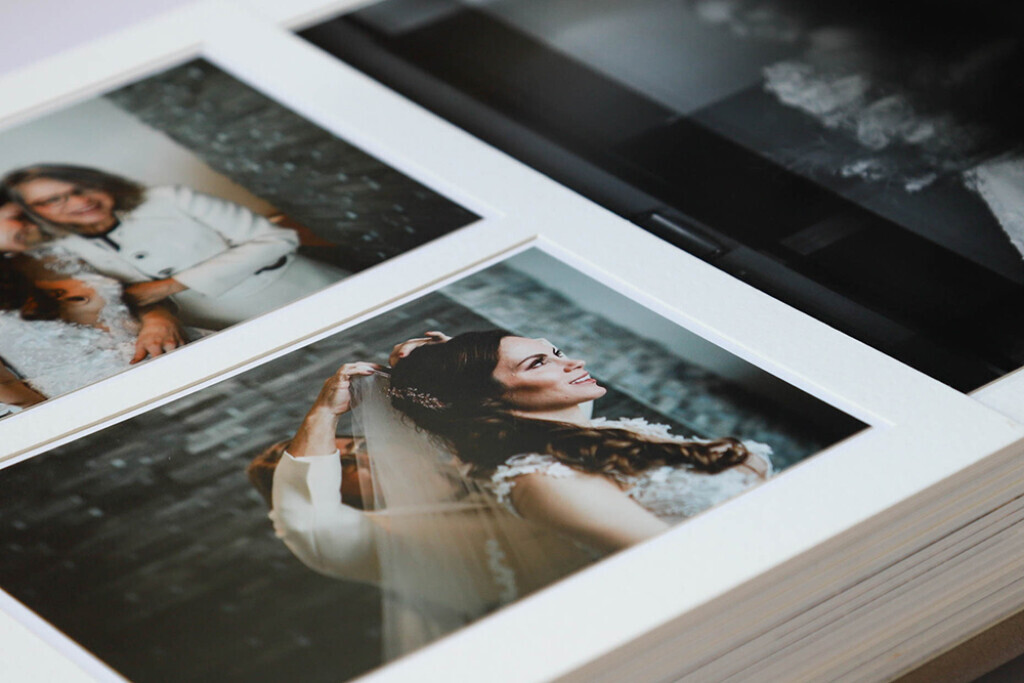
A wedding album is more than just a series of photographs. It’s a storybook. A timeless collection of fleeting moments and heartfelt emotions immortalised and weaved together to create a beautiful narrative of a couple’s celebration of their union. Photos will bring your client’s wedding day to life long into the future. Therefore, creating the perfect wedding album requires careful thought and preparation. As a wedding photographer, how can you create a keepsake that captures all the significant milestones and little details? Tips for Creating the Perfect Wedding Album To View More >>

If you haven't seen our brand new frames, you need to take a look! They've got away to a cracking start since we launched them. But you might be wondering — How can I show frames online without spending heaps on samples? Which ones should I offer? What would they look like with my photographs? The answer? Our new stock image templates for frames. They're free to use anywhere you're selling. Download our PSD layouts, insert your own imagery and you'll have a virtual product complete with your own photography. Our stock templates for frames To View More >>
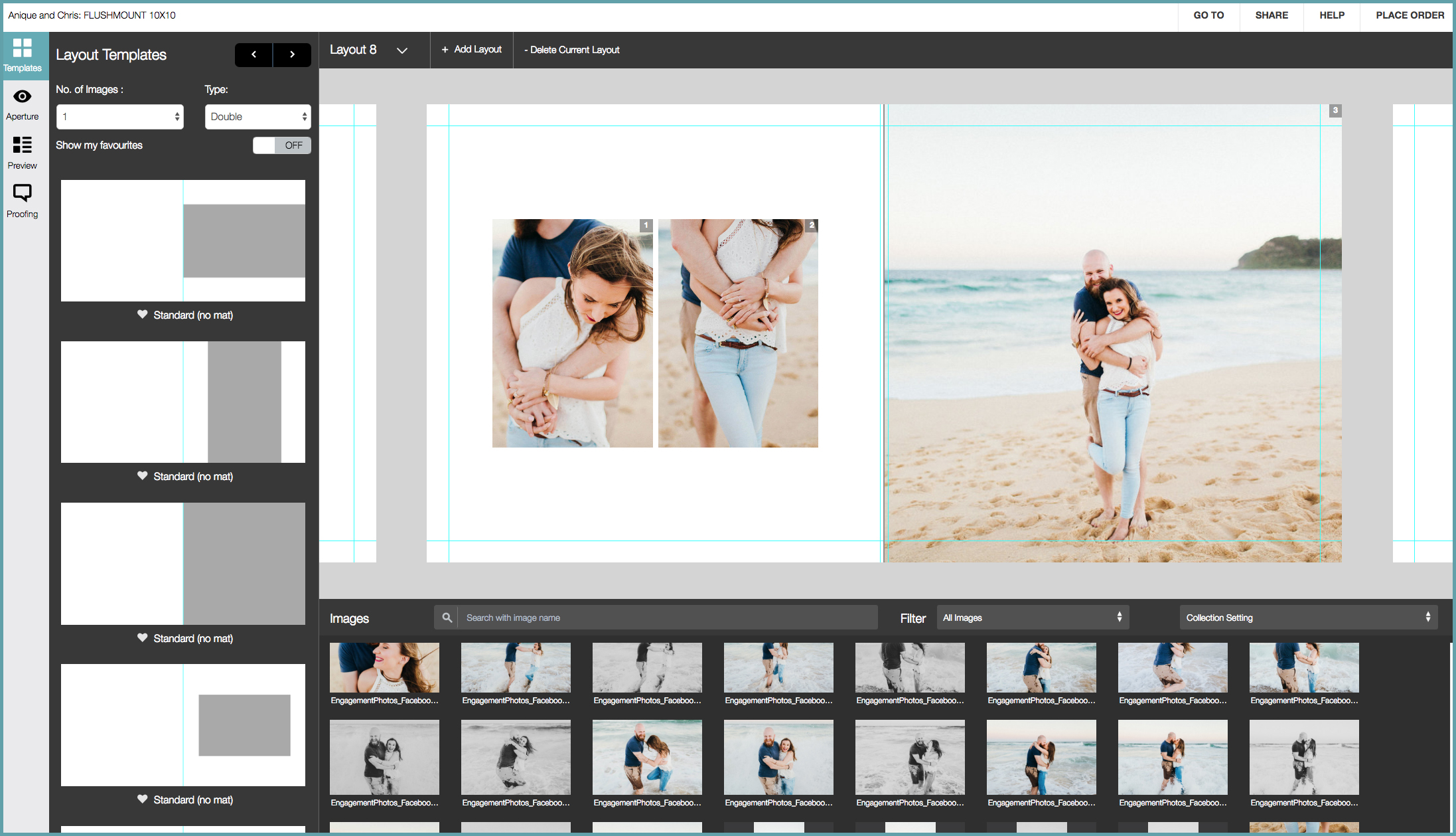
How do you design a Queensberry album? Well, we can design it for you, or you can do it yourself using third party software like Fundy or SmartAlbums, our desktop application Photojunction, or the Workspace Album Designer. But — let's be frank — until now the Workspace design feature has been just a little underpowered! We've been working hard to change that, however, and we reckon Workspace Album Designer is turning into a powerful and intuitive program that for many people could just be their best choice. To View More >>

We caught up with two of the design team, Simon and Rachel, to talk all things album design. Here are their top four tips for creating beautiful, clean layouts. Less is more Rachel: Unclutter your design. It’s simple. Let the key images and high quality materials of an album speak for themselves. If you notice the design, it’s taking precedence over the images – good design is effortless. Simon: If the design is loaded with images the hero shots can be lost among a forest of images. By keeping the image selection minimal, you’ll free up space and make the rest To View More >>
Email: info@queensberry.com
Free Phone Numbers:
New Zealand: 0800 905 905
Australia: 1800 146 251
USA: +18668350851
UK: 0800 808 5271
Canada: +1 855 581 0370