

Blog
Welcome


Recent posts
SEARCH RESULTS FOR: Design Order
If you’ve logged into Workspace recently you know we’ve launched Workspace 3.0 Not just another upgrade, it’s pretty massive! The key idea. instead of separate tools for different tasks, Workspace 3.0 brings everything together in one connected system. One subscription gives you everything from website and video delivery to client and task management, galleries, sales and product delivery. No disconnected tools. Try it right now with a Queensberry account You can login with your email . There's a reset password option if you’ve forgotten. You can continue To View More >>
This entry was posted in Product Updates by Alexandria Baugh
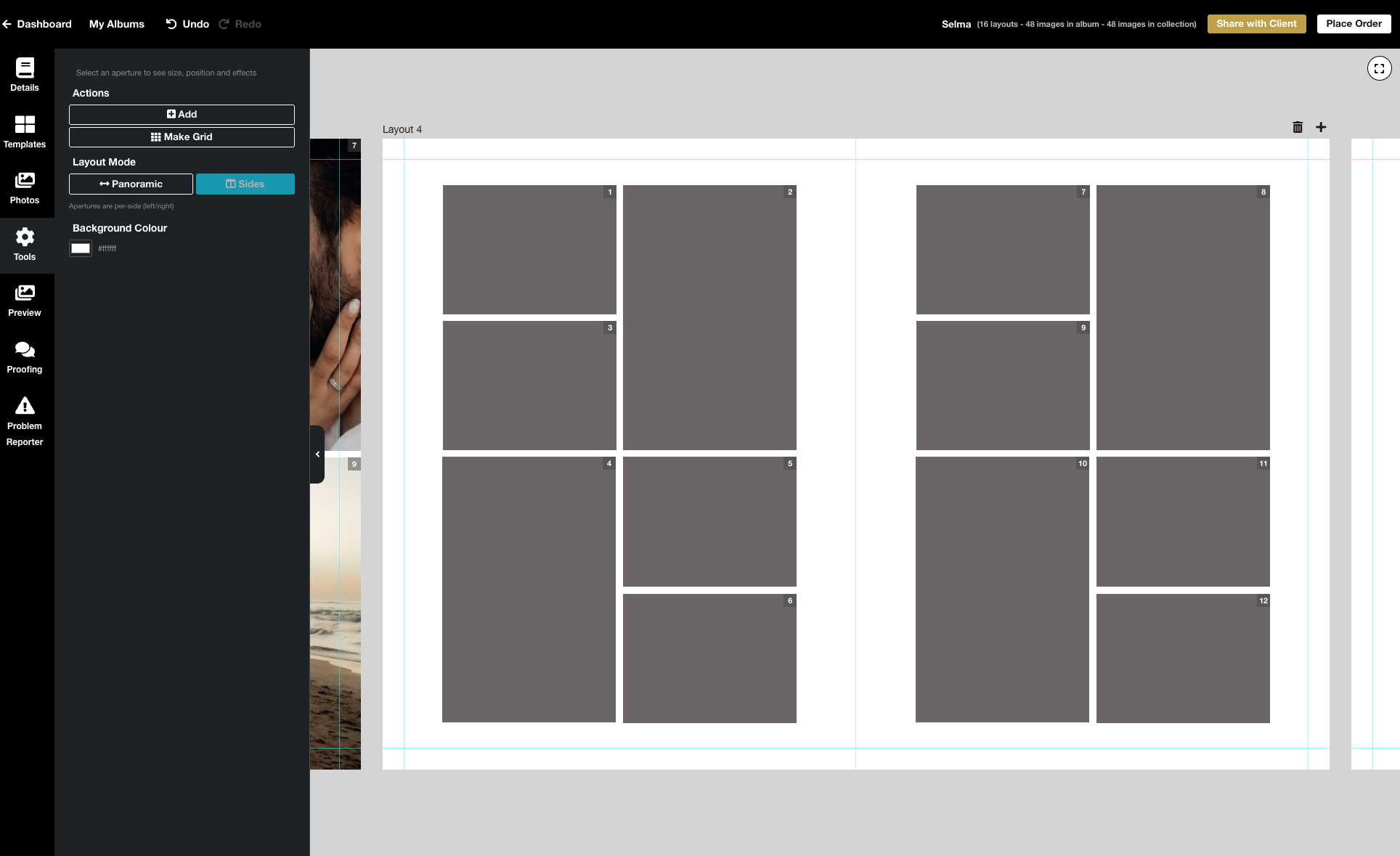
We’re excited to release the biggest update yet to our online Album Designer, focused on the things that matter most when you’re designing: control, speed, and precision. Here is a full list of what’s included in this release: Simple to use, faster and more fluid Our goal is to help you design beautiful albums easily, and you certainly can’t miss the improved performance! Even albums with many high-resolution images feel faster and more fluid: * Faster rendering * Fast movement between pages * Smoother drag-and-drop function * Reduced load times * Improved responsiveness To View More >>
This entry was posted in Product Updates by Stephen Baugh
Here are our end-of-year deadlines, carefully set to ensure we can deliver your orders in time for the Holidays. Our dates are always a little cautious because everything we do is made to order, and we ship all over the world. Earlier cut offs help us manage stock requirements, queries, proofs etc. and production during the busiest season. Couriers will also be under heavy demand, so we encourage you to get in early & allow extra time for shipping. As always we always get a lot more work out post cut off, but materials sometimes do run out depending on demand, and not all requests can be met. To View More >>
This entry was posted in Product Updates by Alexandria Baugh
Previous | Contents | Next Download the eBook "That process has two distinct stages—before and after the shoot. The first sells the booking, the second is the up-sell…" High-end photographers have been selling albums profitably for as long as we’ve been in business, but for many today it seems a lost art. Why? Obviously the world has changed — "shoot-and-share" and "just the files" are seductive ideas, and so is selling online. And who needs the hassle of getting people into the studio, playing nice, offering them bubbles and selling To View More >>
Last Update 12 August, 2020 Hi everyone, As you may know, after a local community outbreak Auckland is back to Covid Level 3, at least until the end of this week, with the rest of New Zealand at Level 2. As previously, we are able to continue working under Level 3, but with certain limitations: — All our “desk-based” staff, including customer support, order processing, admin, colour correction and album design can now work from home, and will continue to do so. — We cannot allow customer contact of any kind. That includes order pickups from the Bindery. — Our Bindery To View More >>
This entry was posted in by Alexandria Baugh
Updated December 13. We think four words describe Studio Albums — simple, affordable, contemporary, speedy! They've generated a lot of excitement, and had us thinking hard, s o here’s what we mean by Studio Albums, and where we’re going with the range. Watch out for introductory offers, coming soon. Contemporary Don’t get us wrong, we love the grandeur of a large album — but there’s no denying the appeal of smaller sizes. With Studio Albums we’re embracing the trend with two new size, 9x9 and the gorgeous 12x9, our new favourite. To View More >>
This entry was posted in by Alexandria Baugh
They say a picture is worth a thousand words, and who’s to argue … but if so what are a hundred photographs worth? With a hundred photos you can really tell a story — but there’s only one way to do it. Not in an online gallery — that’s a data dump, not a story. Not on a thumb drive — a data dump in a drawer! Not in a stack of prints — out of order, lost, given away or damaged. Not even in a box of matted prints. Beautiful images, beautiful presented — but still not a story. Only in an album can you transform a set of images into a narrative. To View More >>
This entry was posted in by Alexandria Baugh
If you can’t name five things that differentiate you from your competitors, there’s probably only one – your price. Here's what differentiates Queensberry: 1. We believe the way to succeed is to stand out from the crowd, not to join it. There’s less competition, more satisfaction and more pride at the high end of the market … and it’s our job to help get you there. Think of our albums as profit centres, not costs. 2. We’re design-led. The people in your viewfinder will be looking at your albums for much longer than we will. They must look beautiful To View More >>
This entry was posted in by Victoria Hollings
Try the Workspace Album Designer and save 15%. For a limited time! “Easy as!” That’s the kind of thing we’re hearing about the new and improved Workspace album designer. We’d love you to try it, so we’re offering 15% discount on all new book and album orders placed using the Workspace designer until 23rd May. That’s not far off, so you’ll need to be quick! Just quote Promo Code WSD2305 in the comments when you submit your order. If you can’t confirm the order by 23rd May, no problem. We’ll calculate the cost and honour the discount To View More >>
This entry was posted in by Alexandria Baugh

The Queensberry online album designer is a great on the go resource that makes designing albums quick and easy. You can share your design with your clients for proofing, or share a slideshow of the finished design by email or on social media. Here's how to upload a song to Workspace, attach it to your album slideshows, and share them just like you share your image galleries. 1. Upload your chosen song In Workspace’s main navigation click “Settings” then "Appearance". Go to the Music tab to upload your music track. Please ensure you have the rights to use it before To View More >>
This entry was posted in by Alexandria Baugh
Email: info@queensberry.com
Free Phone Numbers:
New Zealand: 0800 905 905
Australia: 1800 146 251
USA: +18668350851
UK: 0800 808 5271
Canada: +1 855 581 0370