

Blog
Welcome


Recent posts
SEARCH RESULTS FOR: Photojunction Retro
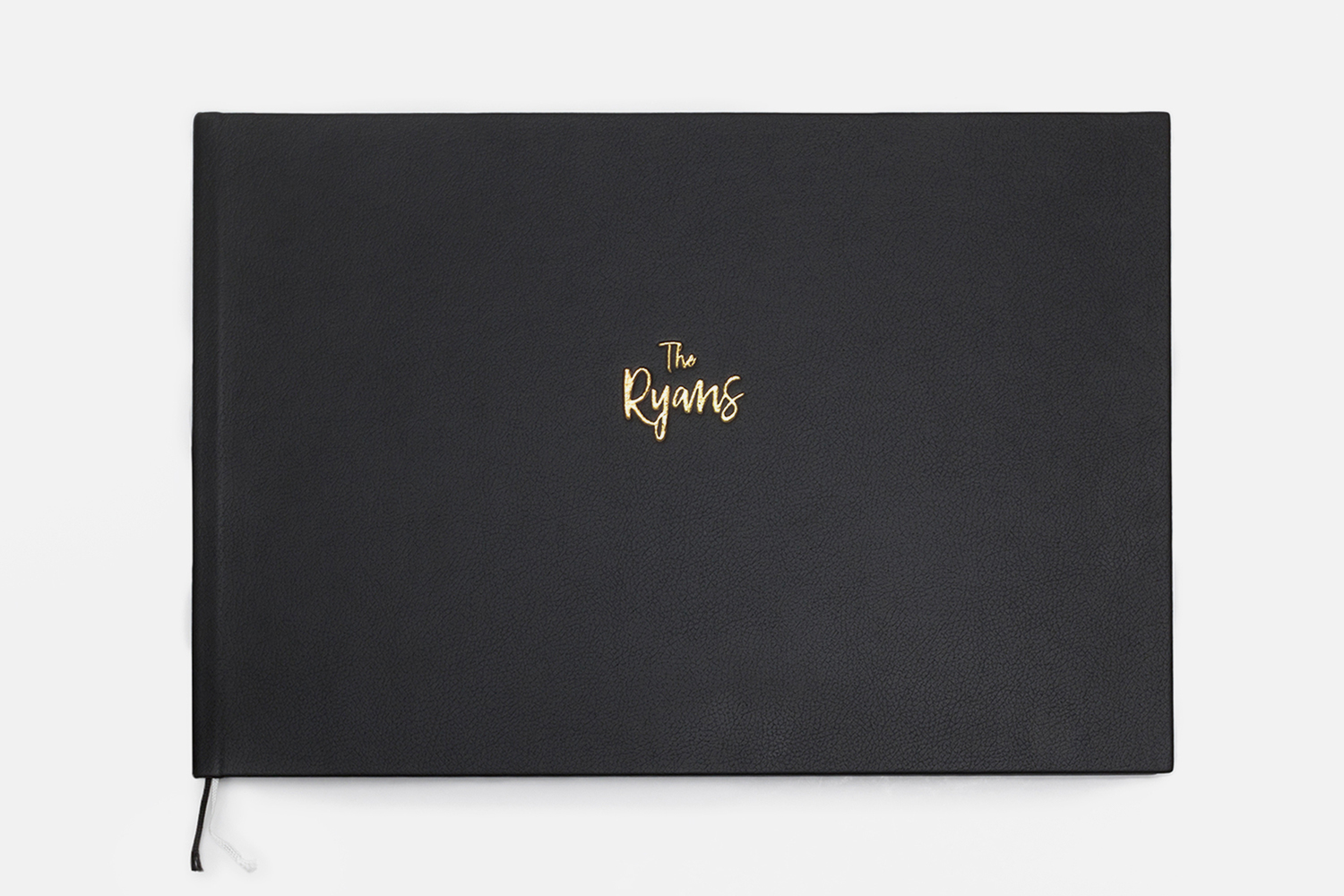
We've made some much-requested changes to our Q Book range: • We've added two extra sizes, A4 and A3. A3 and A4 are standard paper sizes in much of the world, but for those who aren't familiar they equate to approximately* 12x8" and 16x12" respectively (30x21 and 42x30cm). • You can now order both Q Book Lights and Mediums in the large A3 and 15x12 sizes. Although they are fairly similar we will run both sizes side by side for the time being. Designing Q Books The new A4 and A3 books do look great, and they're easy to design with the Workspace Album To View More >>


A few clients have told us that they prefer to export their own printing files (page layouts) in Photojunction, but the "Export" button seems to have disappeared. So what have we done with it? Whether the Export button appears or not is dependent on whether you or we (Queensberry) are to do the exporting, and that depends on the option you choose in the Service dropdown menu during album set up. Looking at the screenshot, if you choose Print and Assemble you'll need to do the export - ie create the PSD layouts and, if need be, edit the files before you upload them to us. If you chose Export, Print To View More >>

Last year we introduced The Queensberry Press, our first toe-dip into the brave new world of digital offset-printing. Everyone, from our designers to our developers immediately started working hard on v2.0 - starting with a hard look at what you had to say about the first release! So here's what's in The Queensberry Press v2.0. It starts with a really good introductory deal. Order any Queensberry Press book before Friday 20th May 2011 and you'll pay half price. Our discount on all "value packages" also increases from the normal 40% to 50% for the same period (as listed in Photojunction). We've To View More >>

Improved image uploading is probably the biggest deal in this release of Queensberry Workspace, but have a play and judge for yourself. It’s free to try! Uploading Workspace now has six image uploaders for you to choose from – two web-based and four desktop uploaders. Pick one to suit your workflow. The upload window shows them all, including the links and instructions you'll need to use them. You can upload to existing events and collections or create new ones on the fly. One of the web uploaders is slower than the other, but more robust if your internet connection isn't the best. You can To View More >>
If you reopen an album in Photojunction after sending to Queensberry, you'll notice it's "locked" and cannot be modified. Why? Because if you were to make changes to the album after we've received the order, we'd be making something different, which would certainly cause us confusion – you, us, or all of us – as you can imagine. So if you need to make changes to the album, eg upload new files, or order an extra copy, you'll need to duplicate the album first. Cheers, Angelique To View More >>
Email: info@queensberry.com
Free Phone Numbers:
New Zealand: 0800 905 905
Australia: 1800 146 251
USA: +18668350851
UK: 0800 808 5271
Canada: +1 855 581 0370