Blog
Welcome

This is the blog for professional photographers, and those who aspire to be. Our aim is to help professional photographers build long-term, sustainable careers.

loading facebook page
Recent posts
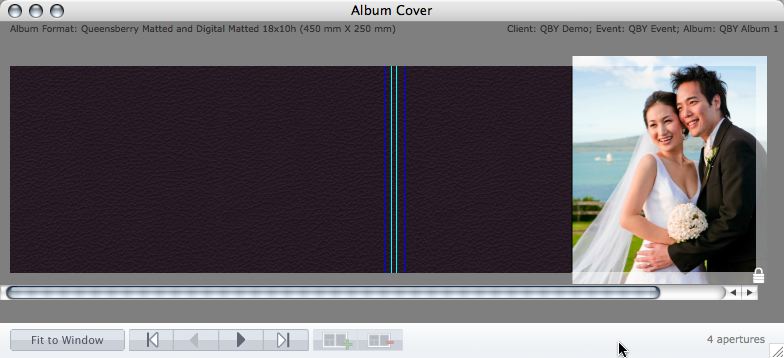
 3. Export your cover AND page layouts using Remix's Export Wizard (Album menu > Export > High-Res Export).
  Make sure you:
 - Choose "QBY Full Colour Service" or "QBY Print-Ready Service" as your Lab Settings (depending on which service you require).
- Check the box to include your cover layouts.
- Export PSDs (except in the unlikely event that you don't intend to edit them in Photoshop afterwards).
Tagged under Export Wizard, Lab, Order Processing, Photography & Design, Photojunction Remix, Printing, Tip
This entry was posted in by Admin