

Step 1. Login to Workspace and click ‘image galleries’:
Step 2: Open the gallery that you are looking to find the favourites of
Step 3: Click the client activity ‘i’ icon
Step 4: Select Client favourite images from the dropdown:
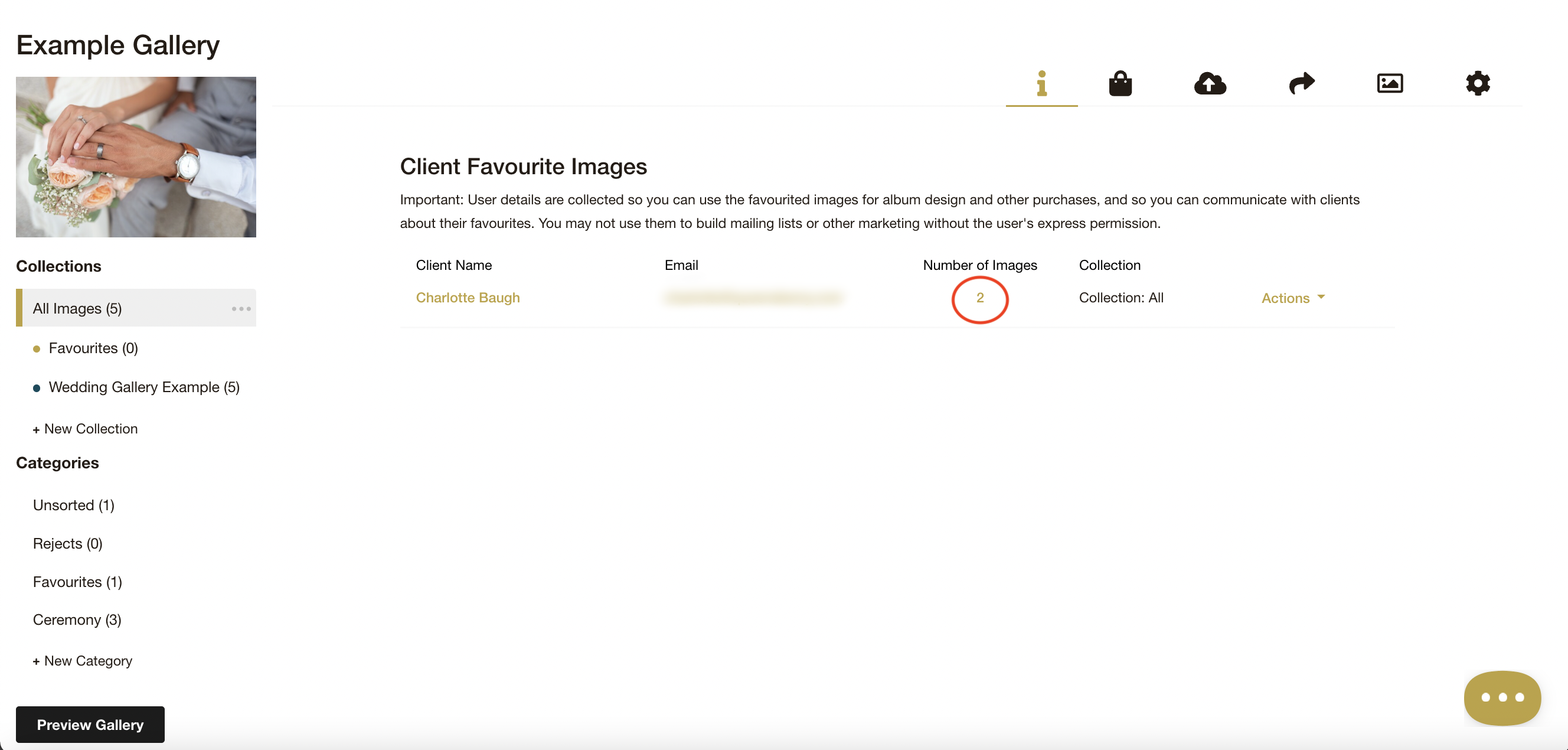
Step 5: You can view your clients favourites by clicking the quantity. You can also Make a Collection or Download a List from the actions dropdown:
Email: info@queensberry.com
Free Phone Numbers:
New Zealand: 0800 905 905
Australia: 1800 146 251
USA: +18668350851
UK: 0800 808 5271
Canada: +1 855 581 0370