



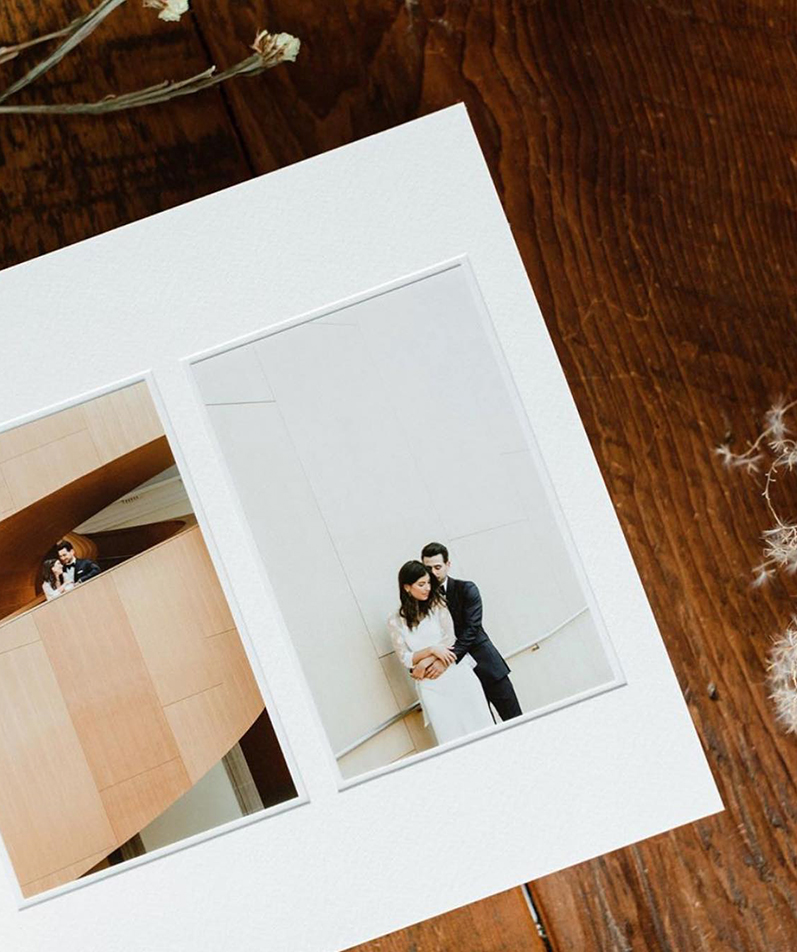
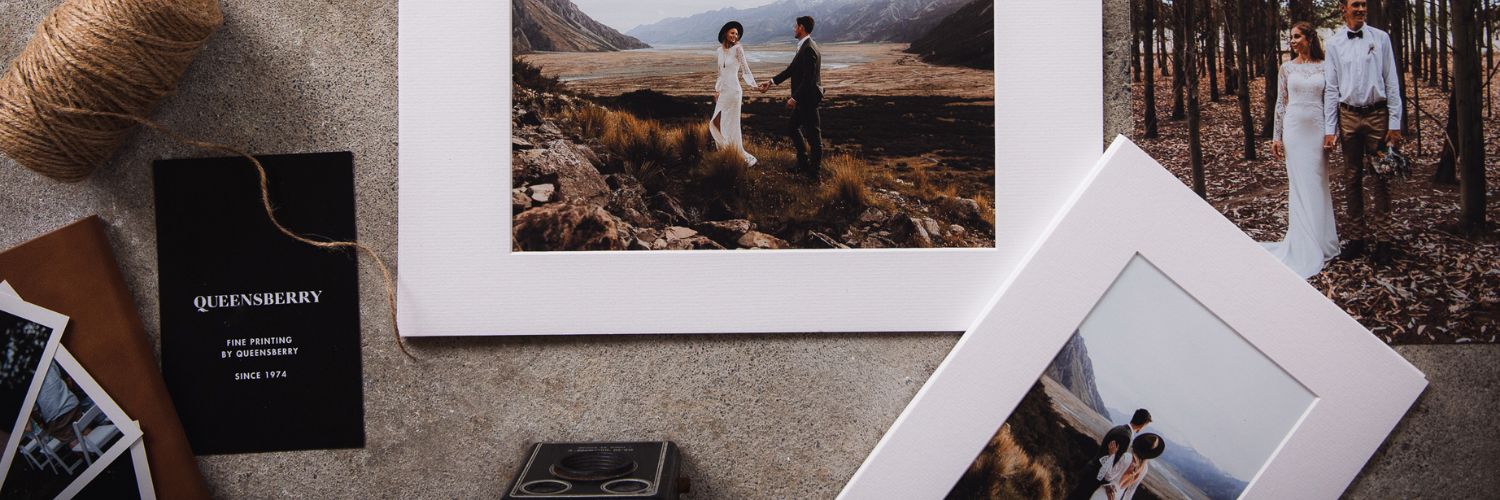
Beautiful products to display your photography at its best
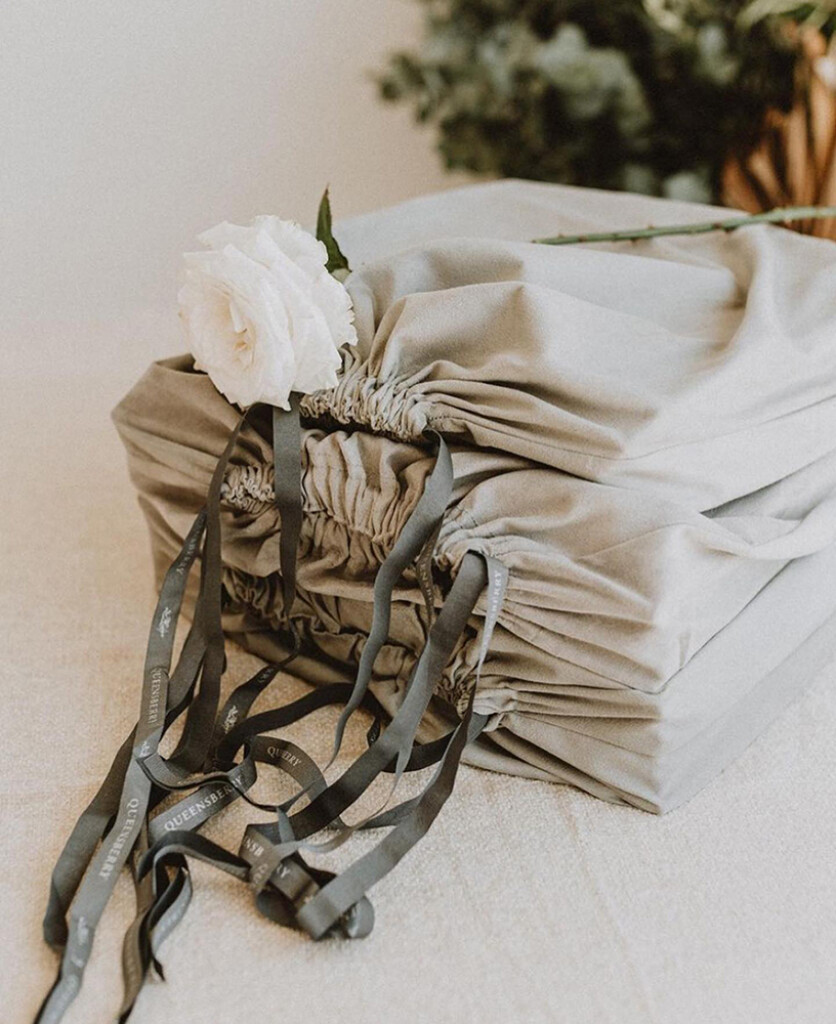
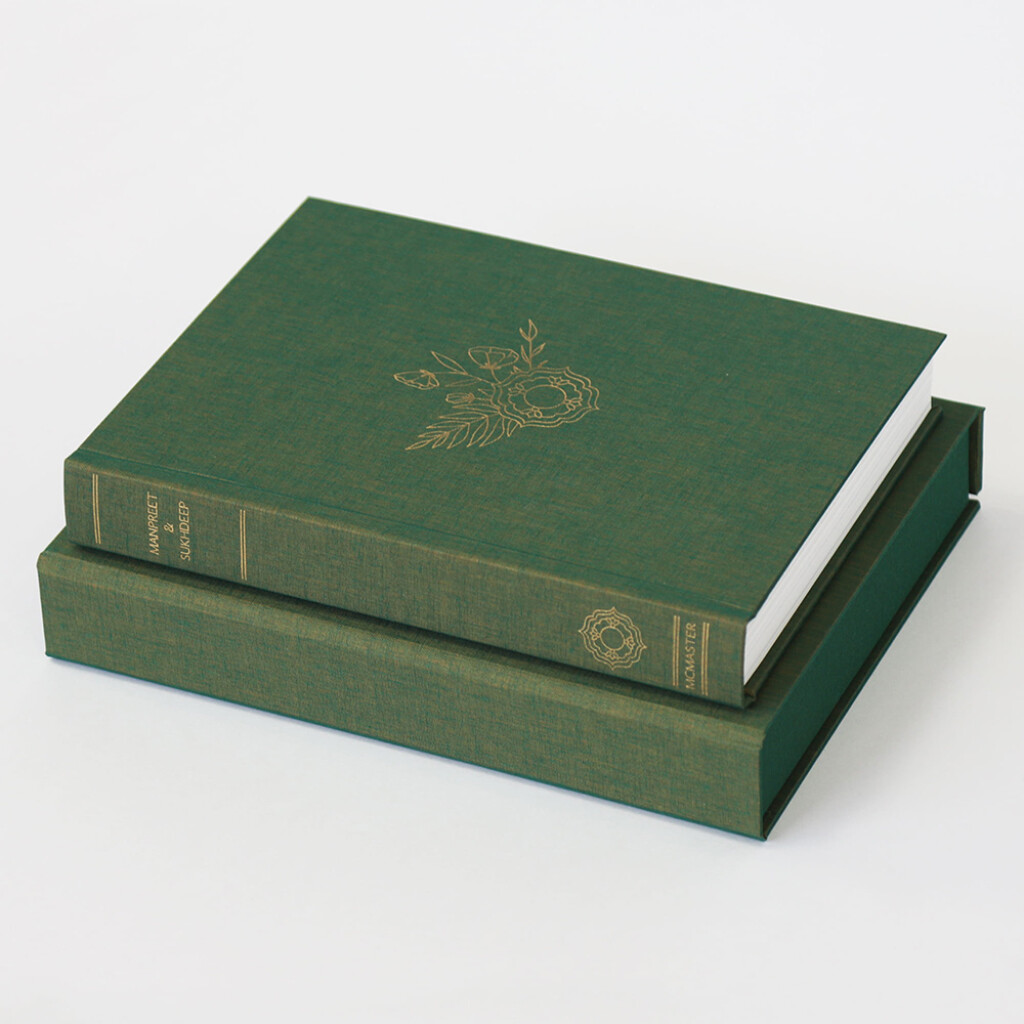
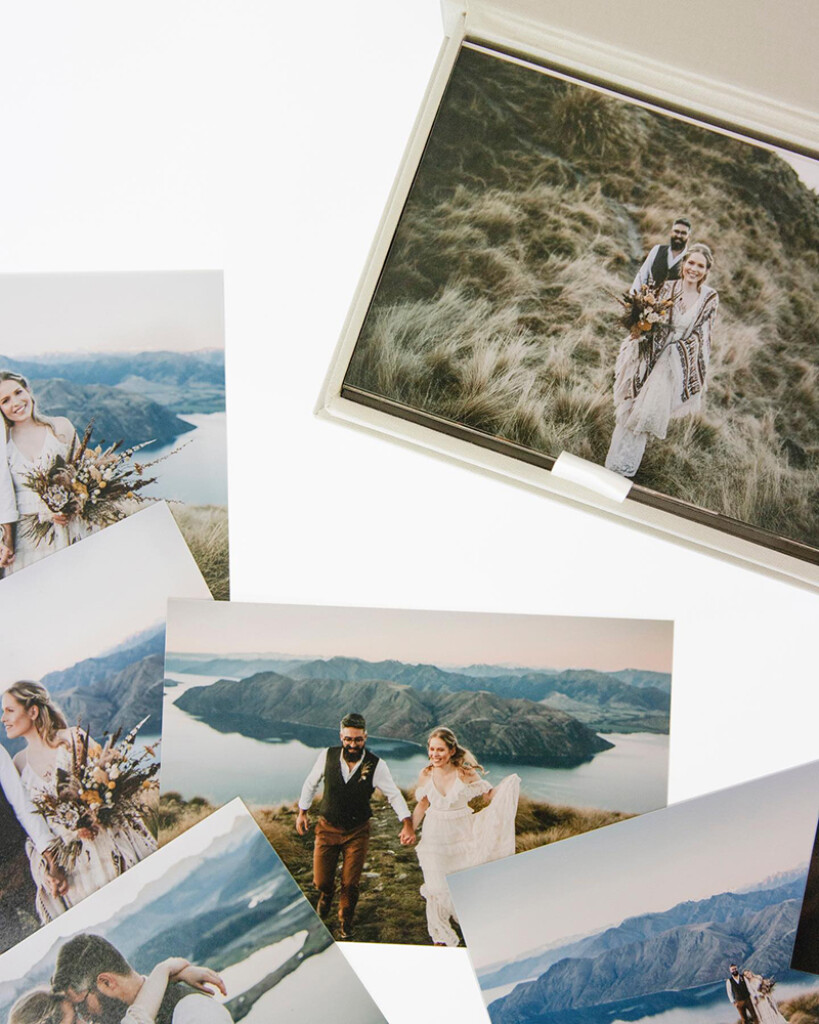
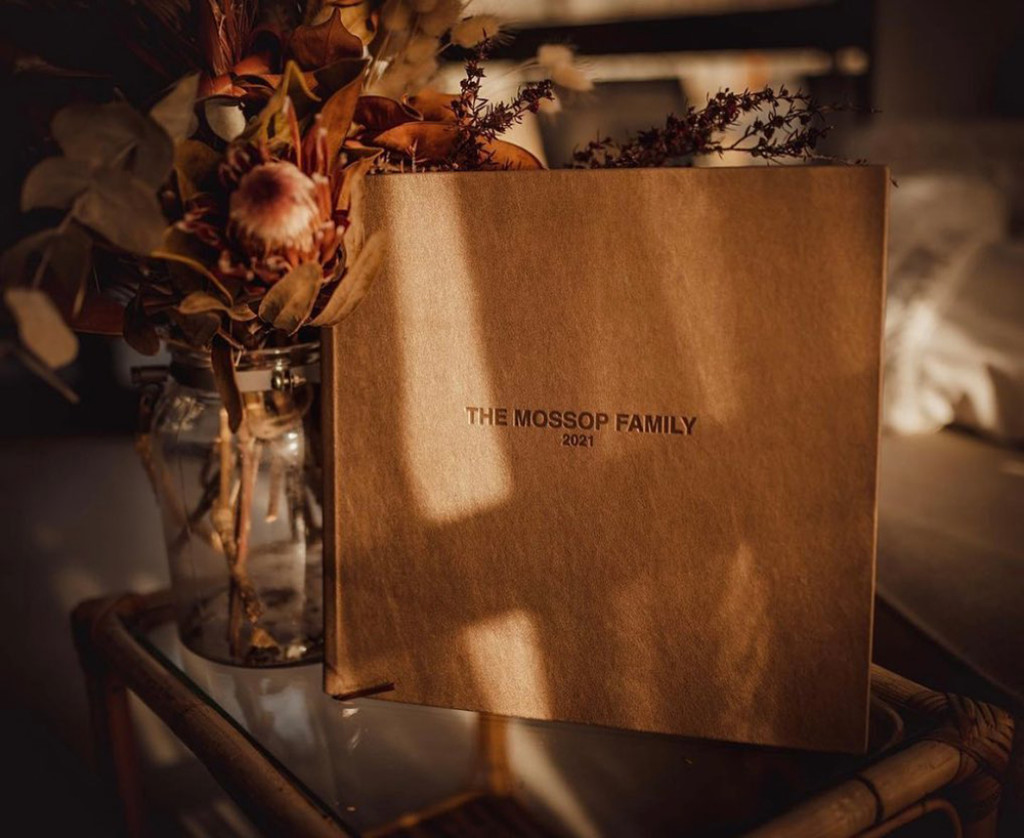
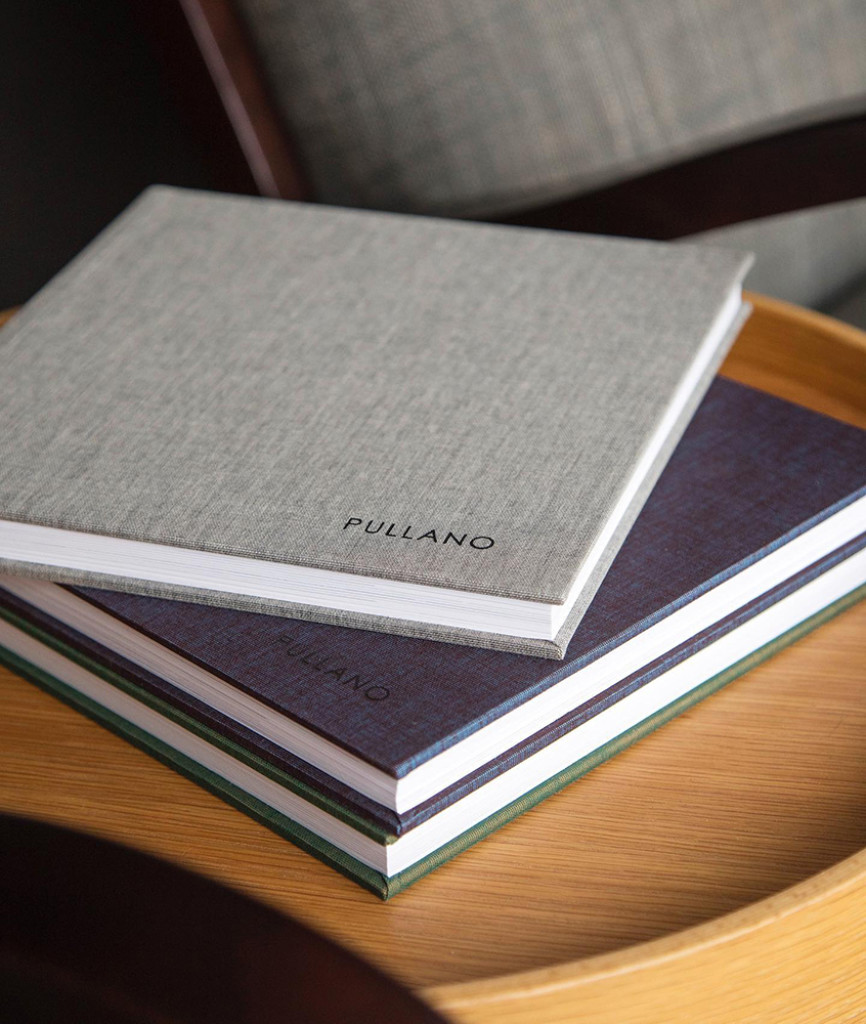
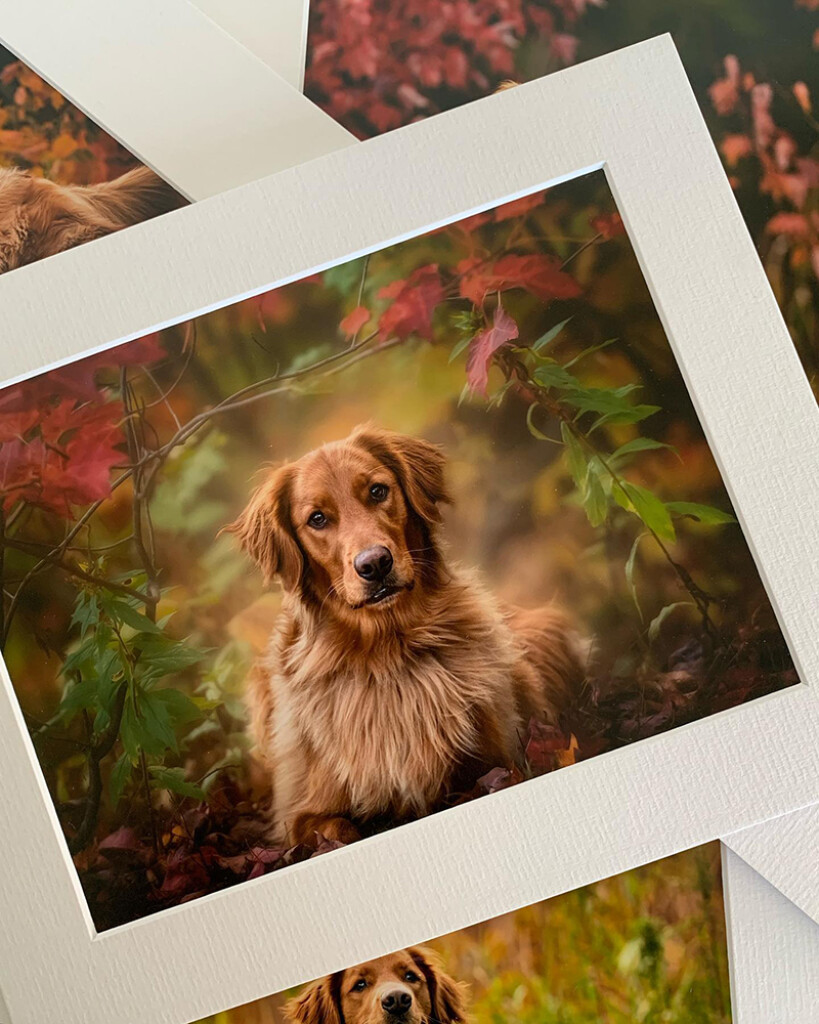
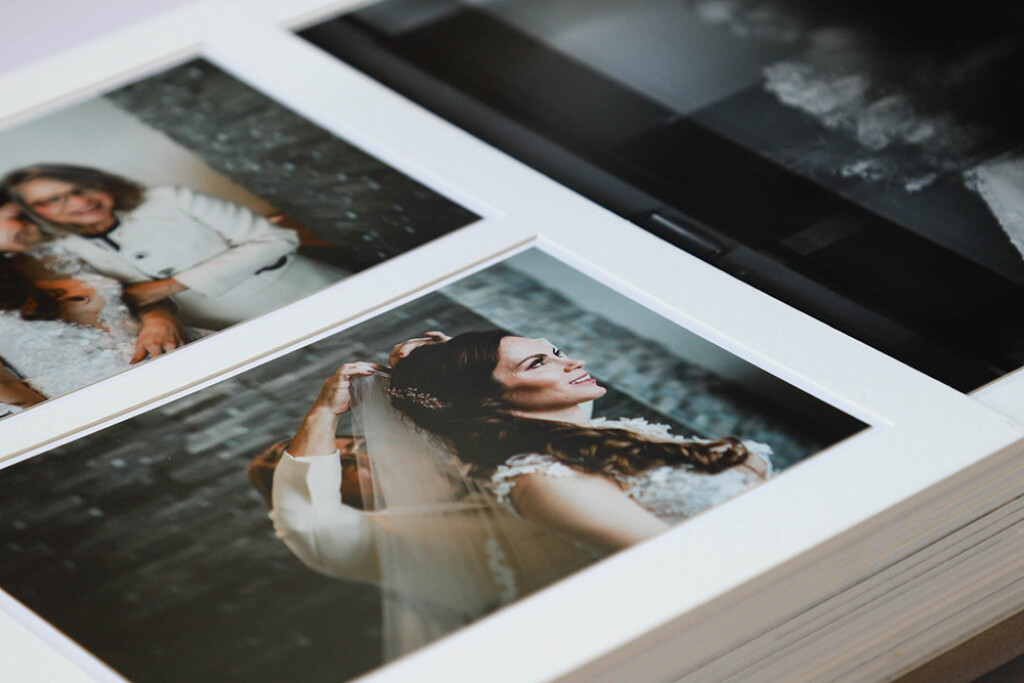
Our exclusive, handmade wedding albums made us famous, but over the years we've extended our range to help professional photographers of every type stand out from the crowd. Today Queensberry offer beautifully printed, handmade photo albums, folio boxes, frames, prints and canvases. All designed to display your work at its very best. And we build the tools you'll need to sell digital files and printed products online — to revolutionise sales in your business.
Beautiful products to display your photography at its best
Our exclusive, handmade wedding albums made us famous, but over the years we've extended our range to help professional photographers of every type stand out from the crowd. Today Queensberry offer beautifully printed, handmade photo albums, folio boxes, frames, prints and canvases. All designed to display your work at its very best. And we build the tools you'll need to sell digital files and printed products online — to revolutionise sales in your business.
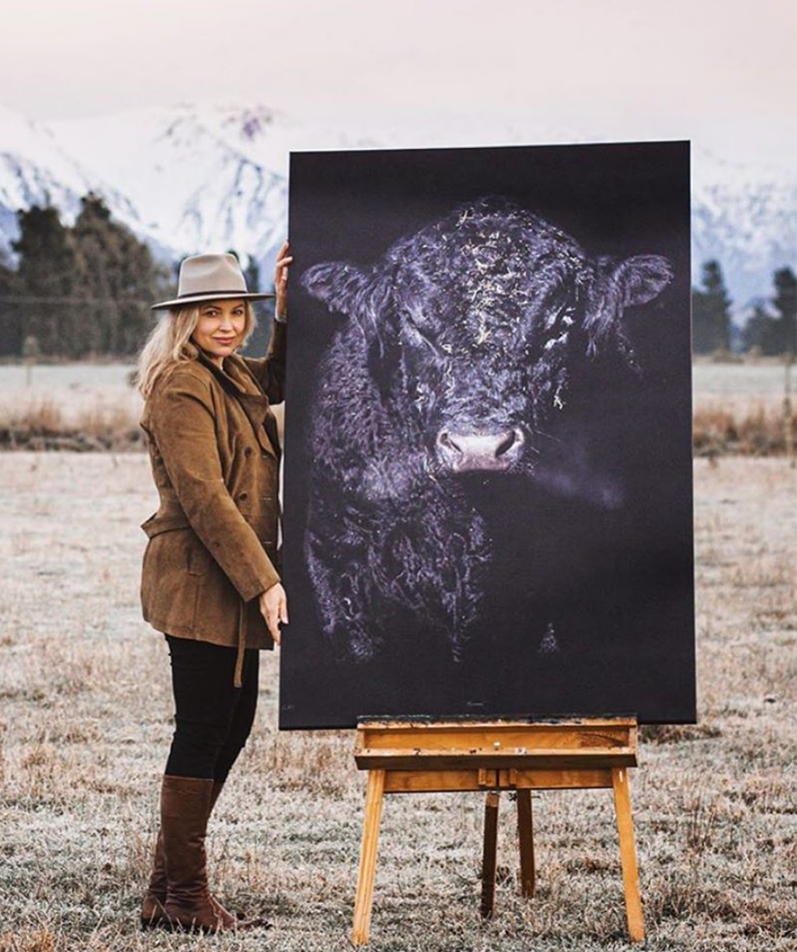
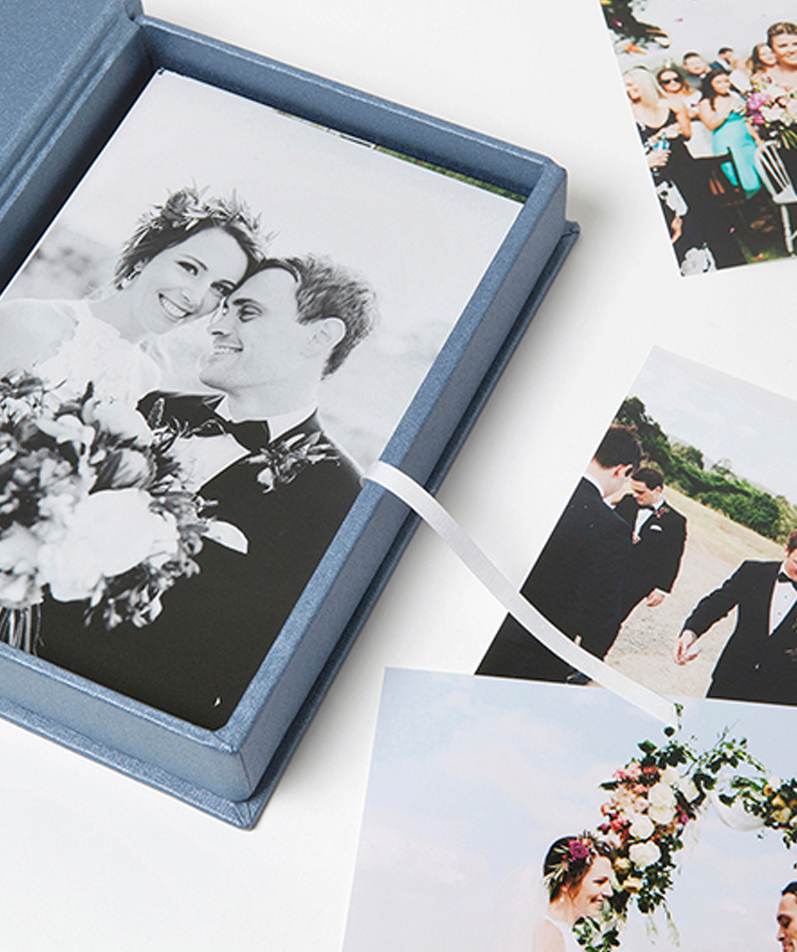
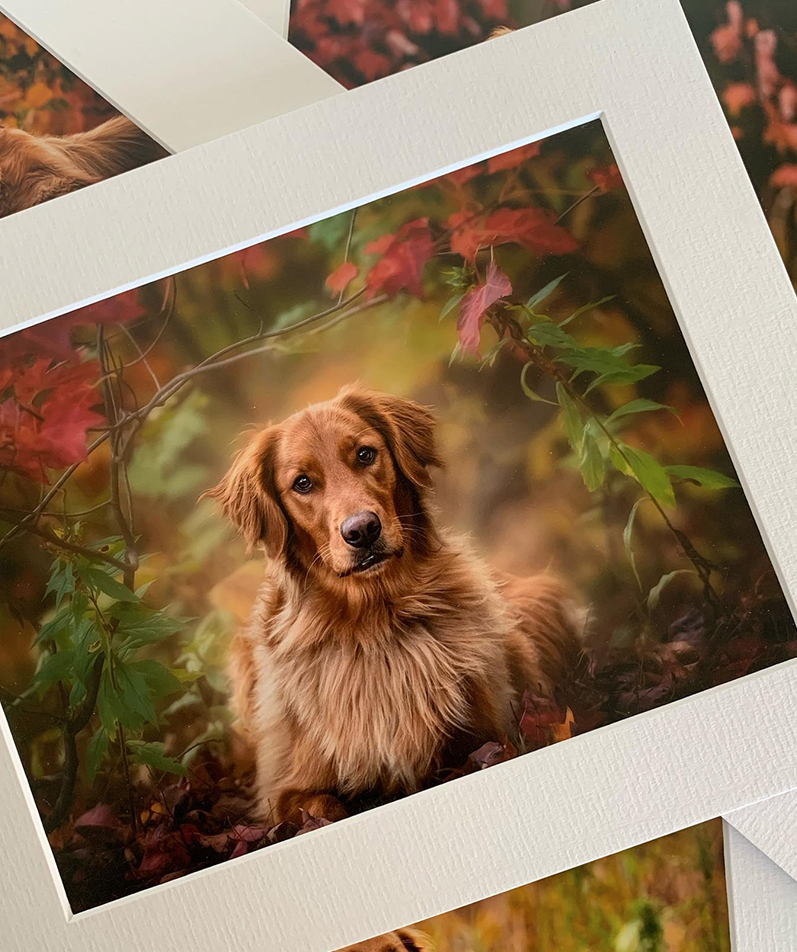
Explore our handmade print products

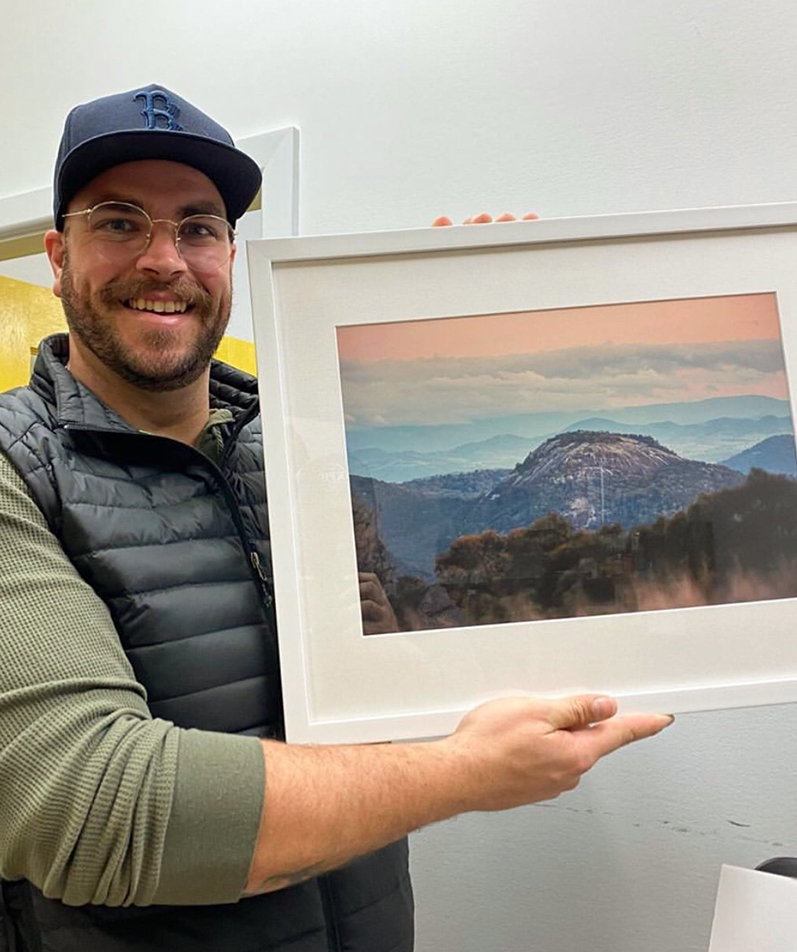

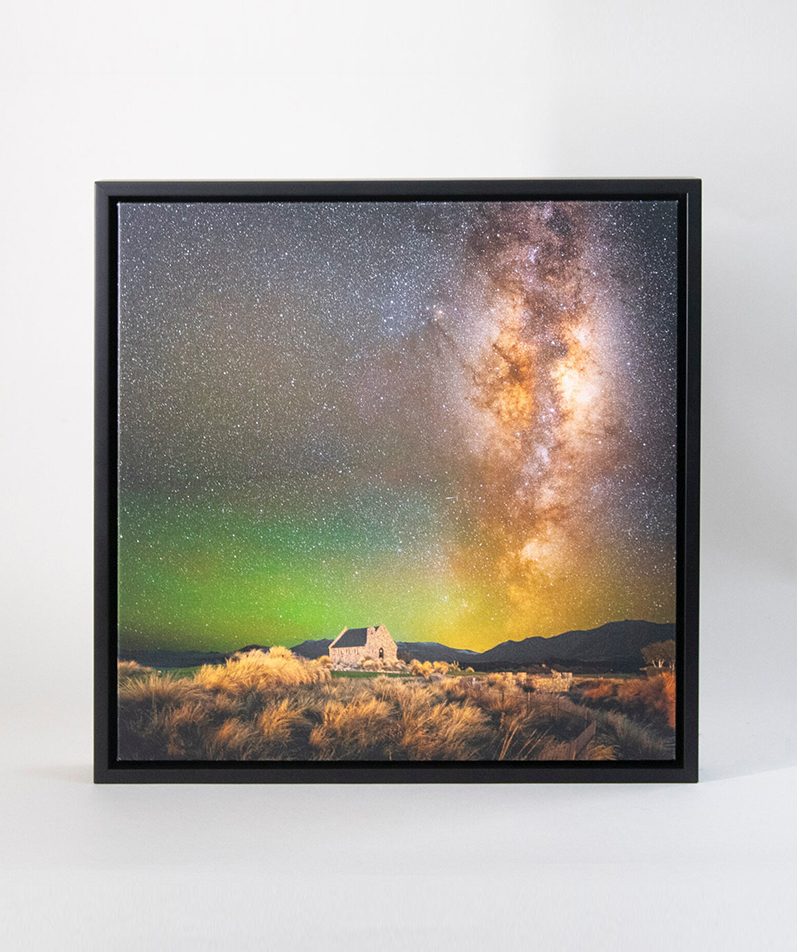
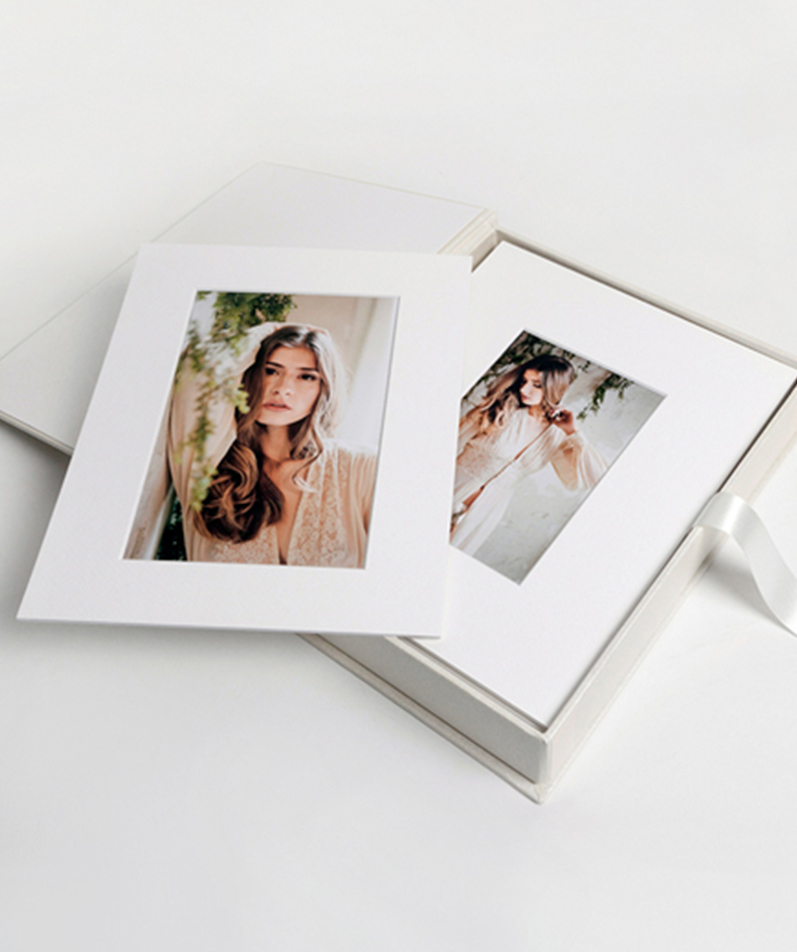
Workspace, our online platform
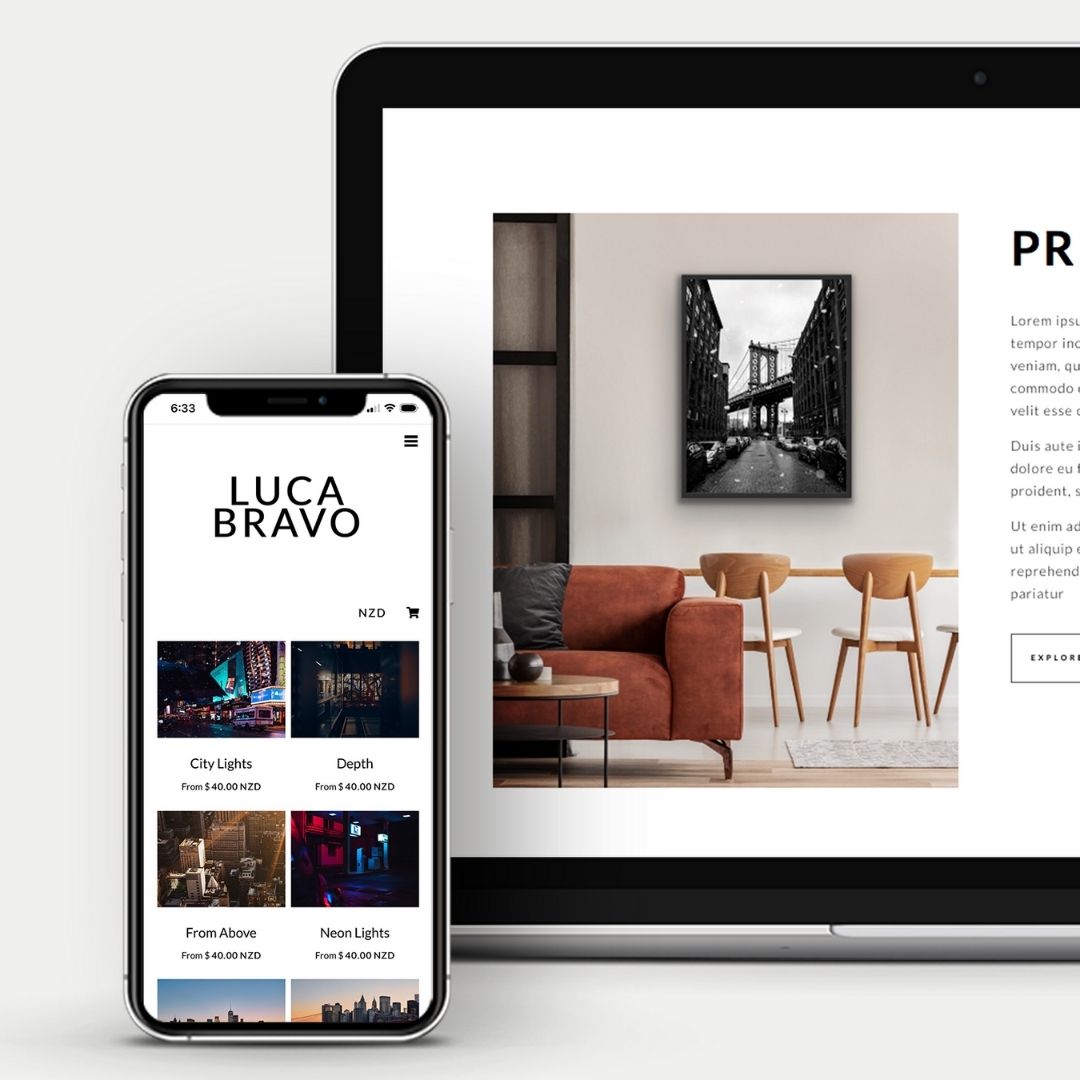
Online Photo Galleries and Print Shop
Workspace is part of a 50-year tradition of working proudly with professional photographers to streamline their businesses, save time and build profits. In Workspace you can share beautiful image galleries, build an ecommerce print shop to sell prints online, design and proof photo albums and other products, and even create your website and blog. Plus it's fully integrated with Queensberry, who will print your images, create your products and ship direct to you or your clients.

Simplify your workflow
Selling products is so much work, right? Wrong! Our integrated workflow saves heaps of admin time, and you'll save even more if we colour correct your image files. Save more still on albums by having us design the page layouts! Just upload the image files, specify the album, and we can do the rest. You and your client can review, request changes and approve the design online before confirming the order.
”Finally ordered my sample wedding album for my clients and WOW it is amazing to see these incredible albums and feel them in real life! the quality is second to none. Highly recommend and cant wait to keep ordering these for my clients!”CHARMAYNE O'CONNOR
“Customer service is incredible plus their products are the best of the best. I love Queensberry! ”GEOFF WILKINGS PHOTOGRAPHY
“Always the most incredible albums and printing. Every time. Easy design service and superb support and customer service. Worth every penny. ”DAN LAMBOURNE PHOTOGRAPHY
“I CAN NOT express my gratitude enough, for the ABSOLUTELY OUTSTANDING customer service and product quality.I received my albums today, much earlier than I expected to receive them, and in time to take to the Wedding Open Day on Sunday. And they are absolutely beautiful. You have my loyalty and my sincere appreciation. ”ANNA PRETORIUS PHOTOGRAPHY
“There are not enough words to express my gratitude and happiness when it comes to Queensberry. I loved their albums from the first time I set my eyes on them, they are exactly what I have been looking for when it comes to beautiful design, craftsmanship, elegance and a timeless beauty. Queensberry is a classy company with outstanding products. I couldn't recommend them more. Thank you Queensberry. ”RYAN CARREY
“Our brides absolutely love Queensberry's wedding albums, it gives a luxury feel using the top quality materials. The album design software is easy to use and constantly improving. Great customer service. Simply upload client's photos to the online gallery, clients can share & download + select their favourite images to be putting to their album, and Queensberry team will handle the rest until DHL deliver the album to anywhere in the world. This is awesome!”Black Avenue Productions
What makes Queensberry different?
We're local!
If you're located in New Zealand, Australia, the United Kingdom, the USA or Canada we issue local tax invoices, bill you in your currency, clear your shipments through customs, pay any charges, and deliver right to your door. Click here for details of our service into those countries, and elsewhere around the world.
Free shipping to you or your clients
In your region we will ship door-to-door to your studio or, if you prefer, direct to your customers. It's your choice. There is no extra charge for shipping Frames, Canvases, Albums and Boxes, including to your customers provided they're in your country of residence.
Full professional service
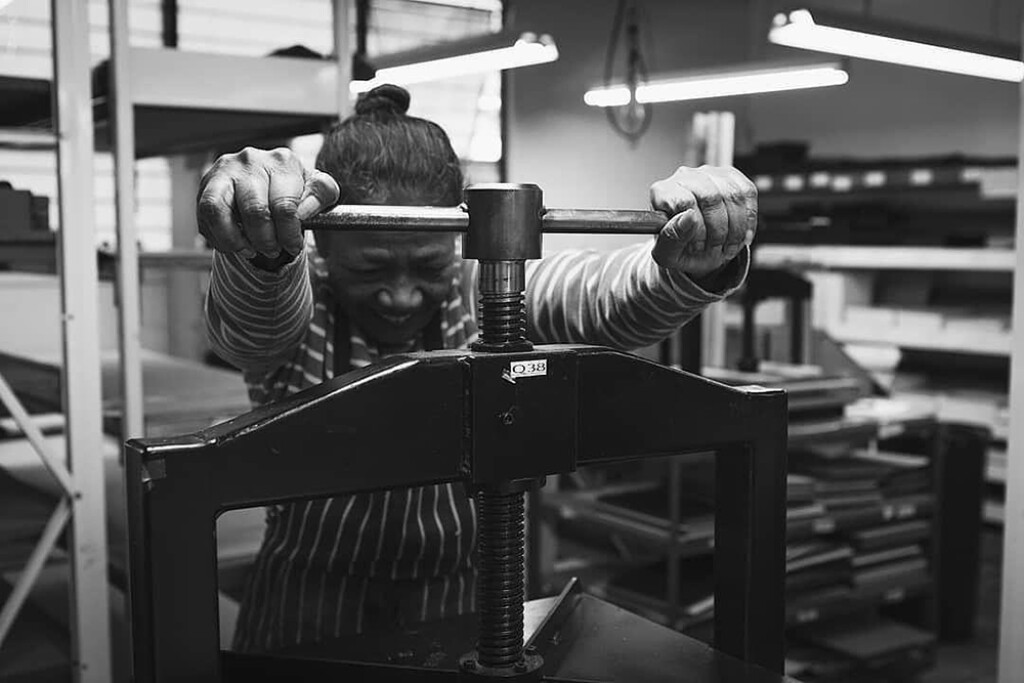
We're not just printers and binders at the end of the internet! We're "eyes on, hands on", and review your job carefully every step of the way — including your image files. And our experienced design, colour correction and digital art teams are here if you need them.
Confidential and woman-only workflows
We're trusted by thousands of photographers around the world. We have a strict confidentiality protocol, plus we offer a woman-only workflow for culturally sensitve work.
Products for every business
We've been working with professional photographers for over 50 years. Whether you're in portraits and weddings or fine art and decor — whether you're mid-range or high end, newbie or veteran, sell in-person or online — we have products and services to support you.
We're partners
We love what we do as craftspeople, print technicians and IT geeks, but it’s our relationships with clients that truly drive us. Treat us as part of your support network, helping you build a long term, sustainable business and serving "the people in your viewfinder".
Ready to get started?
It is easy to get up and running with Queensberry. Follow the button below to create an account so you can view pricing and order products.
Not a photographer?
Looking for your own personal photo album? Here's what to do if you're not a photographer or album designer.
Discounted Studio Samples
The display samples you show are a key investment in your success. To get you started we offer generous discounts.
Our website is populated with amazing images from our clients. Click here to explore photographers who use Queensberry and are featured across our site.
Email: info@queensberry.com
Free Phone Numbers:
New Zealand: 0800 905 905
Australia: 1800 146 251
USA: +18668350851
UK: 0800 808 5271
Canada: +1 855 581 0370